Redrawn by hand
An engineer reads the views and the dimensions and models the part again from the start, line by line.
Upload a vector PDF of one sheet-metal part and get a STEP model, the flat pattern as DXF and a 3D preview. PDF to STEP is in beta, so contact us first for early access.
Customers often send only a PDF. To check fit, share a model for review or build an assembly, someone first has to rebuild the part in 3D.
An engineer reads the views and the dimensions and models the part again from the start, line by line.
A bent part drawn only in views has no flat pattern DXF. Someone has to unfold it before it can be cut.
Units, scale, projection or sheet thickness are not always clear on the drawing. A wrong guess gives a wrong part.
Upload a PDF drawing of a sheet-metal part and get a 3D STEP model back, usually in 10 to 30 minutes. No tracing and no setup. Close the page if you like: we email you if we need you.
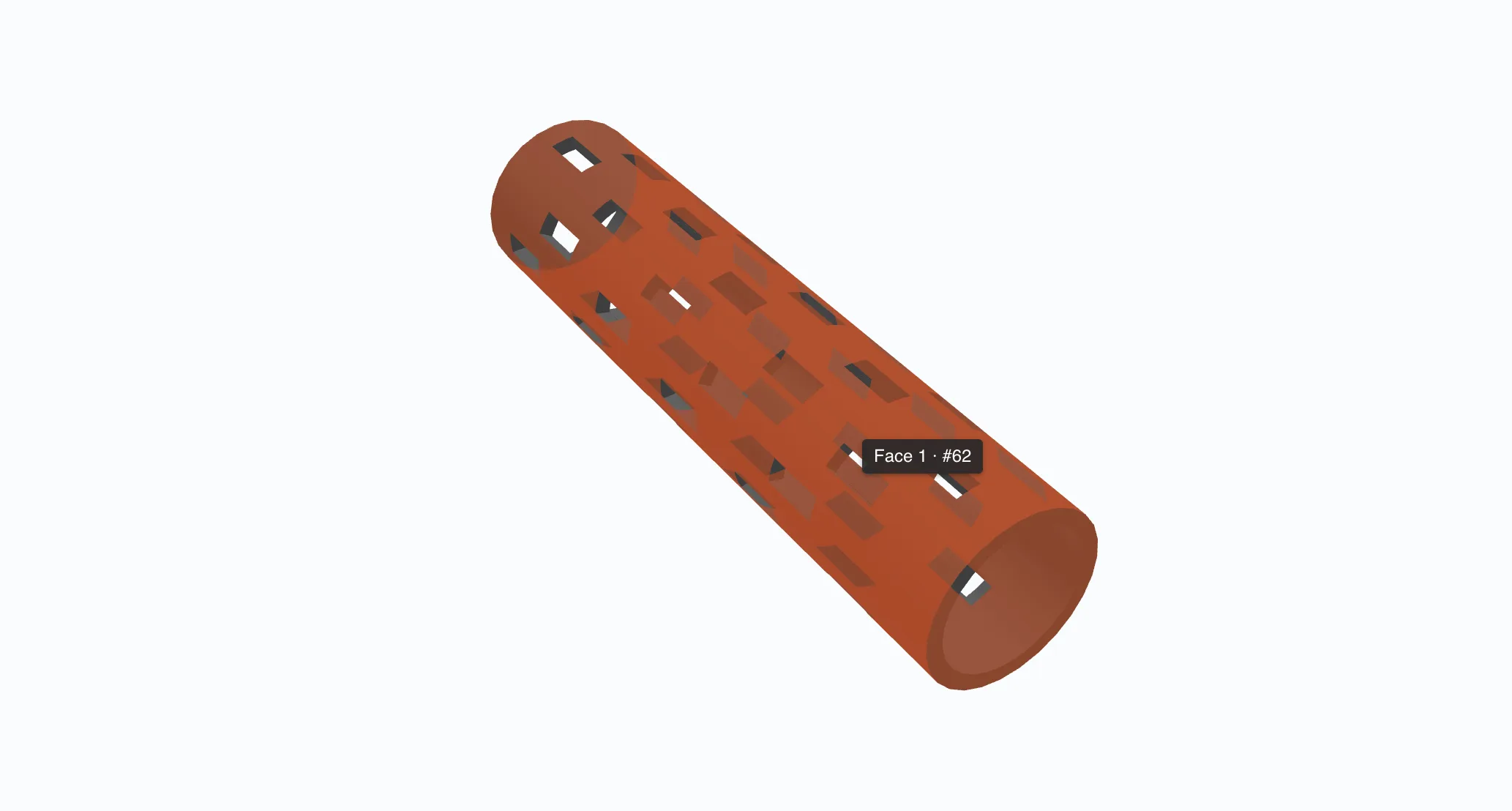
Finds the views, measures the outline and holes, reads dimensions and fold lines. Units, scale and projection are detected for you.
The conversion finds the views and works out how they relate, measures the outline and the holes, reads the dimensions and the fold lines, then builds the solid from a fold recipe. Units, scale and projection are detected from the drawing itself. If you already know them, declare them up front and skip the guesswork.
If a drawing is unclear, the run pauses and asks one specific question. Answer in the browser and it carries on.
When a drawing is genuinely unclear, the run stops and asks one specific question rather than handing you a wrong model: ambiguous units, a missing scale, two section views that contradict each other, unreadable fold lines, an unproven thickness. You answer in the browser and the run continues where it paused. Every reading it made is there to inspect alongside the drawing before you approve it.
Ready to view, nest, price and quote, and to enrich with PMI.
The result lands in your STEP library, ready to view, nest, price and quote, and to enrich with PMI. A drawing nobody can read stays a question rather than becoming a bad part.
Open PDF to STEP and add a vector PDF of one sheet-metal part, up to 40 MB.
Confirm millimetres and the projection. Add the drawing scale only if you are sure of it, and the run has fewer questions to ask.
A run takes 10 to 30 minutes and carries on if you close the page. If it needs your input, CUTL emails you and you answer on the run page.
Download the STEP model and the DXF files for each part, and check the part in the 3D preview.
An AI interpreter reads the drawing, builds the part and checks its own work. When the drawing alone cannot settle something, it stops and asks you.
A customer sends only a PDF drawing. Get a 3D model to check fit before you quote and cut.
Get the flat pattern DXF of a bent part that was drawn in views only, without modelling it again.
Turn the PDF into a model you can share for review or place in an assembly.
Upload a vector PDF of one sheet-metal part and get a STEP model, the flat pattern as DXF and a 3D preview. PDF to STEP is in beta, so contact us first for early access.
Chat with us
The live chat needs cookies. Accept cookies to start a conversation, or write to us through the contact form.
Contact form